
Brand Guide
Use Brand Guide to define the visual identity, communication style, brand information, and target audience that EasySocial can use as brand context.
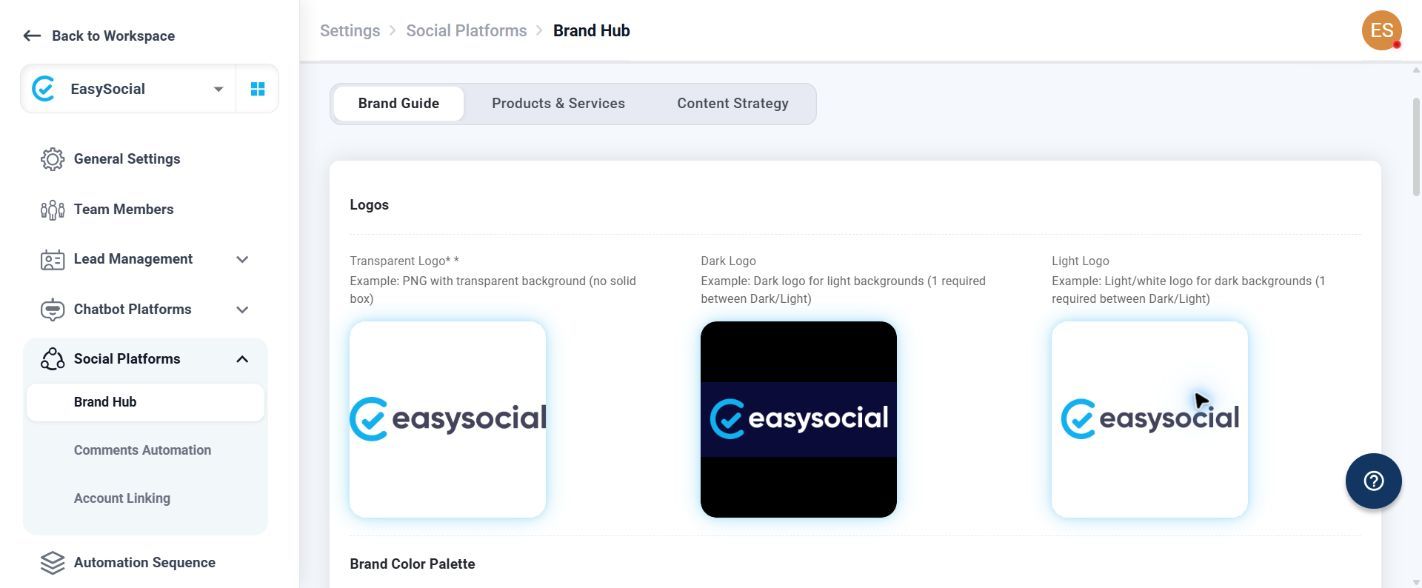
Logos
| Logo field | Requirement | Upload guidance |
|---|---|---|
| Transparent Logo | Required. | Use a PNG with a transparent background and no solid box. |
| Dark Logo | At least one of Dark Logo or Light Logo is required. | Use a dark logo for light backgrounds. Upload through Choose File or drag and drop the profile picture. |
| Light Logo | At least one of Light Logo or Dark Logo is required. | Use a light or white logo for dark backgrounds. Upload through Choose File or drag and drop the profile picture. |
Logo upload areas identify PNG format support. Upload the transparent version for the required Transparent Logo field and provide a suitable dark or light version for the other logo slot.
Brand Color Palette
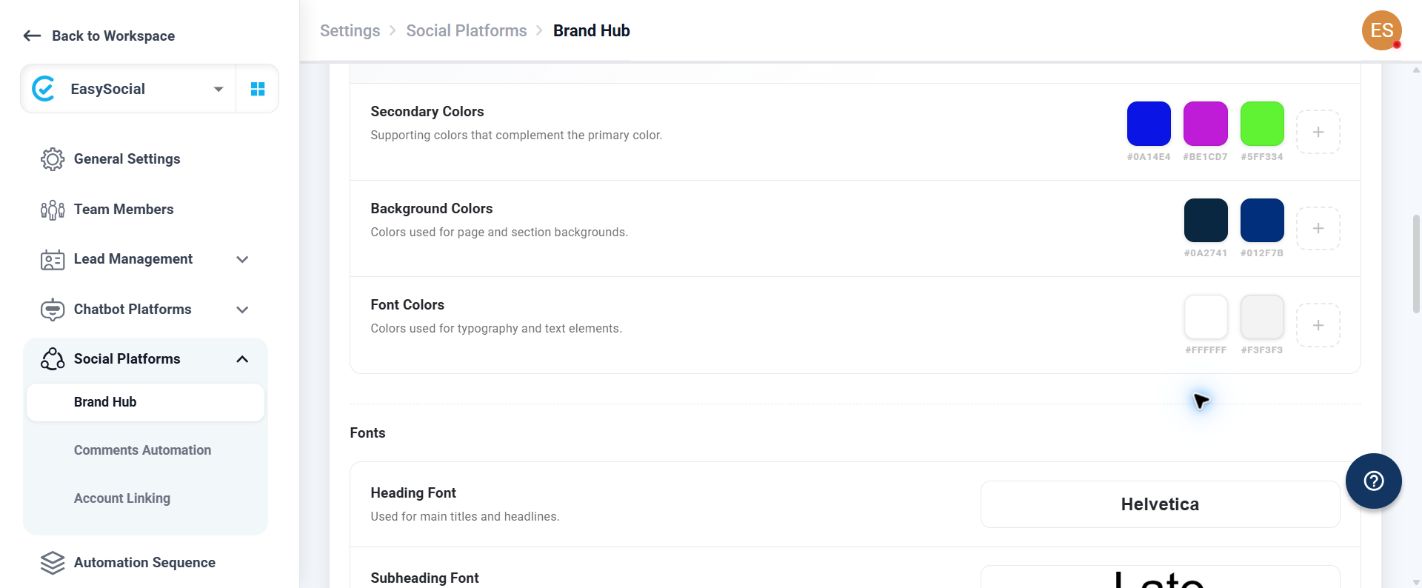
| Color group | Use |
|---|---|
| Primary Colors | Main brand color used across touchpoints. |
| Secondary Colors | Supporting colors that complement the primary color. |
| Background Colors | Colors used for page and section backgrounds. |
| Font Colors | Colors used for typography and text elements. |
Each group provides color swatches, a hex value for each swatch, and a plus control for adding another color. Existing swatches can show a remove control.
Fonts
| Font setting | Use |
|---|---|
| Heading Font | Font for main titles and headlines. |
| Subheading Font | Font for section titles and subheadings. |
| Paragraph Font | Font for body text and descriptions. |
The font picker includes a search field and supports uploading a custom font in .ttf, .otf, or .woff format.
Brand Voice
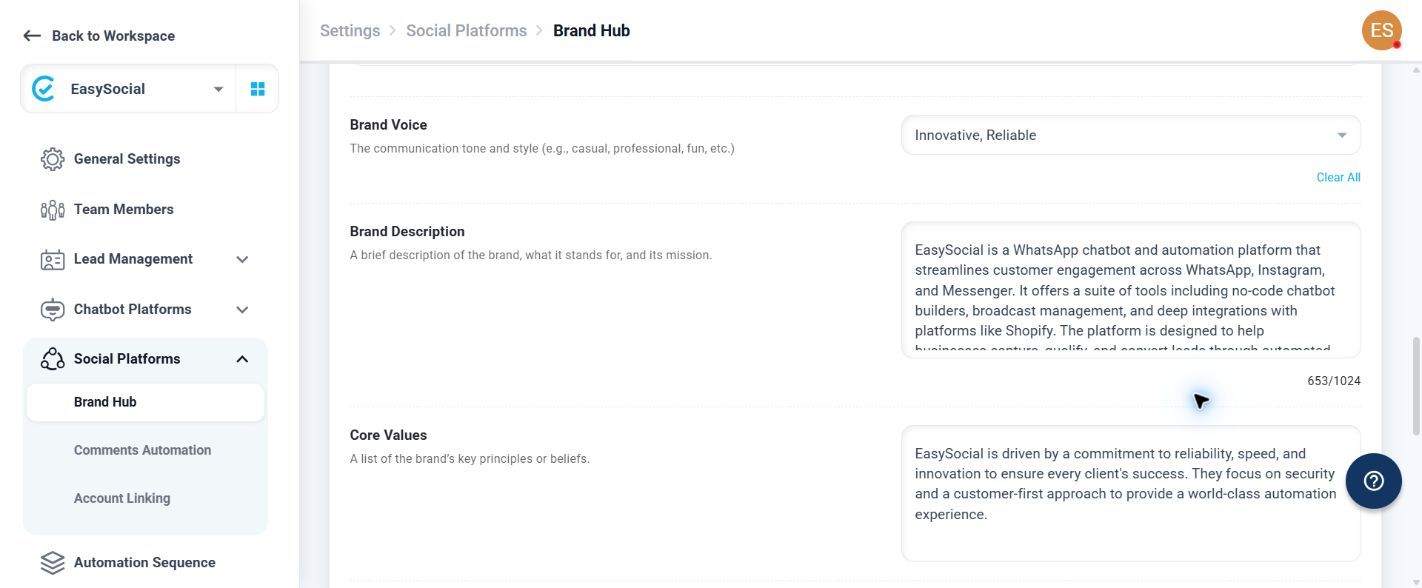
Choose the communication tone you want EasySocial to follow when creating messages for your business. Select one or more tones to guide whether the communication should feel, for example, friendly, professional, creative, or reassuring.
Brand information
| Field | What to enter |
|---|---|
| Brand Description | A brief description of the brand, what it stands for, and its mission. The field shows a character counter with a 1,024-character limit. |
| Core Values | The brand’s key principles or beliefs. |
Target Audience
| Setting | How to define the audience |
|---|---|
| Age Group | Use the two slider handles to define the minimum and maximum age. |
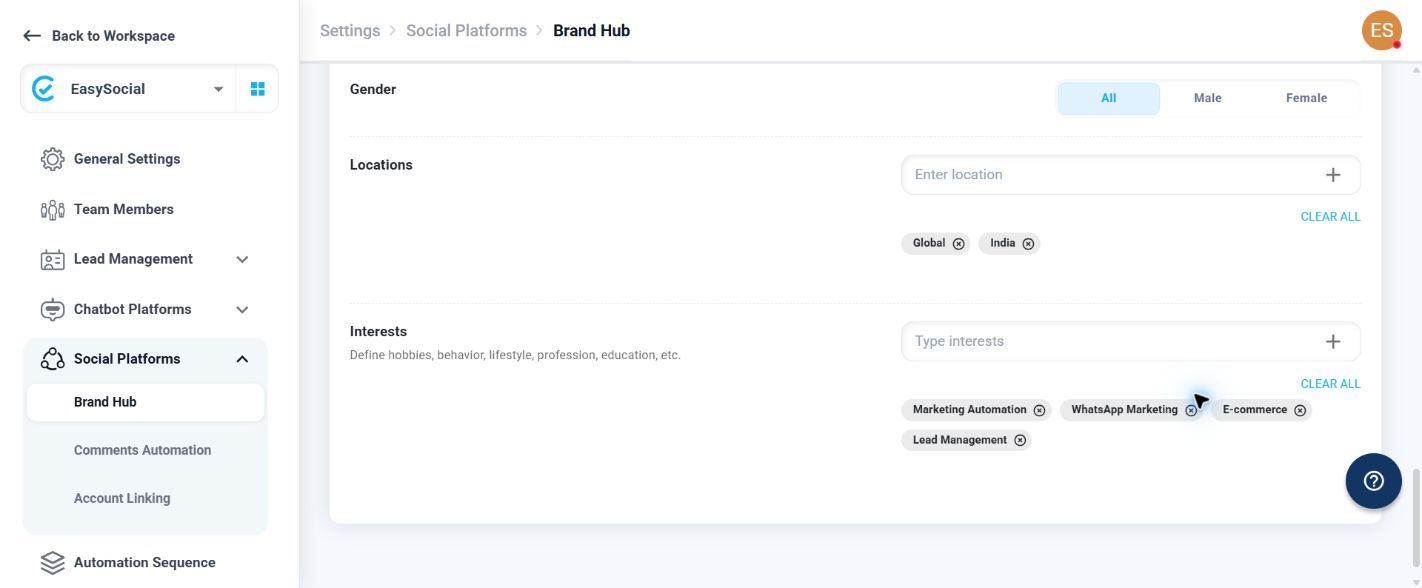
| Gender | Select All, Male, or Female. |
| Locations | Enter a location and use the plus control to add it. |
| Interests | Define hobbies, behavior, lifestyle, profession, education, and similar interests. Enter an interest and use the plus control to add it. |
Do not select another Brand Hub tab while entering Brand Guide information unless the current work has been saved through the platform’s available workflow.