
Documentation
How to Create a Meta App for WhatsApp Cloud API Setup
Last updated on April 27, 2026
In this section we will learn how to create a new Meta App. A Meta is is required to enable WhatsApp cloud API, hence this is a very essential step towards setting up EasySocial WhatsApp Chatbot.
Prerequisites :-
Meta Business Manager Account Meta Developer Account
Creating The Meta / Facebook App
- Open https://developers.facebook.com
- Login with your Facebook account
- Click on "My Apps" on the top menu.
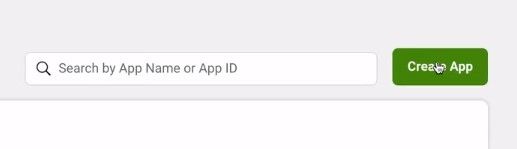
- Click on "Create App" button on top right of the page.
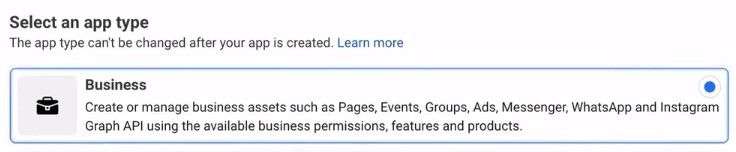
- From the list of app categories select "Business" and hit Next.
- Enter the basic details related to your app like the name of the app, app contact-easysocial-whatsapp-api-support email and choose the associated Meta Business Manager Account. Then click on "Create App" button.
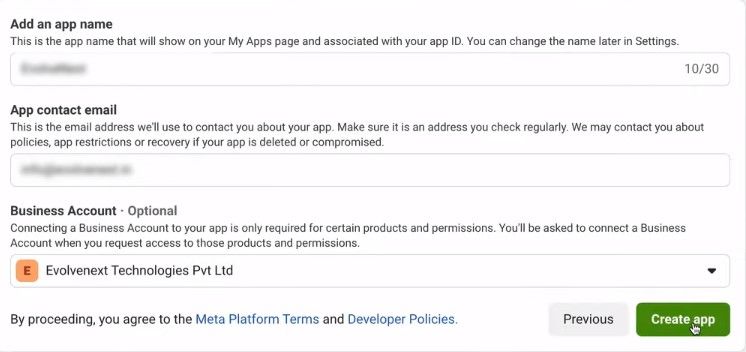
Its that easy! Your app is ready for set-up!
Configuring WhatsApp Cloud API in Meta App
- Click on the App that you just created and it will take you to a screen where you would be asked to "Add Products to your App".
- Scroll down on this page until you see WhatsApp Card, click on "Set up" button present at the bottom of the WhatsApp card.
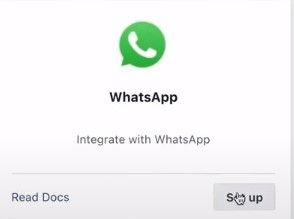
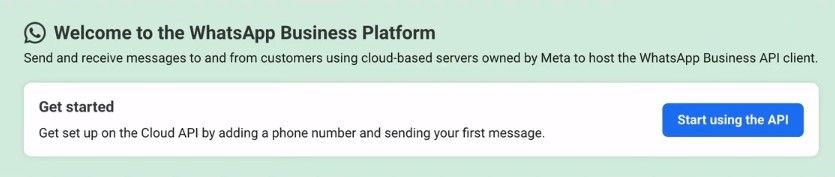
- This will display a Screen with select box to choose an associated Meta Business Account to WhatsApp Business Platform API. Simply click on "Continue". It will bring you to a Quickstart page, click on "Start using the API" button.
Adding Phone Number to WhatsApp Business Platform API Display Name Approval for WhatsApp Cloud API How to check the if a Display Name has been Approved for WhatsApp Cloud API