
Documentation
How to View and Manage EasySocial Orders and Invoices
Last updated on April 27, 2026
How to check Orders and Invoices on EasySocial?
- Log in to your EasySocial Account
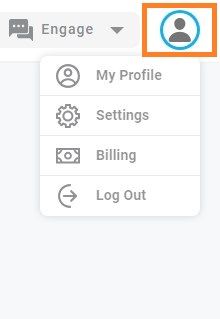
- Go to the Profile icon on the top right corner and click on it
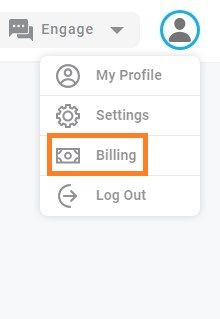
- Click on Billing
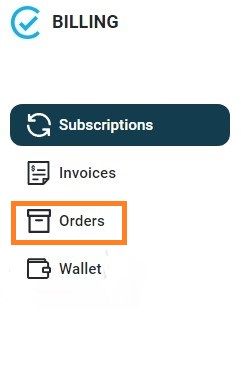
- Click on Orders to view all orders that you have made
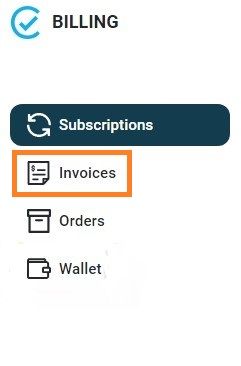
- Click on Invoices to check all invoices of the plans you have purchased
-